Easy pharmacy billing software
Pharmacy billing software anyone at the counter can use
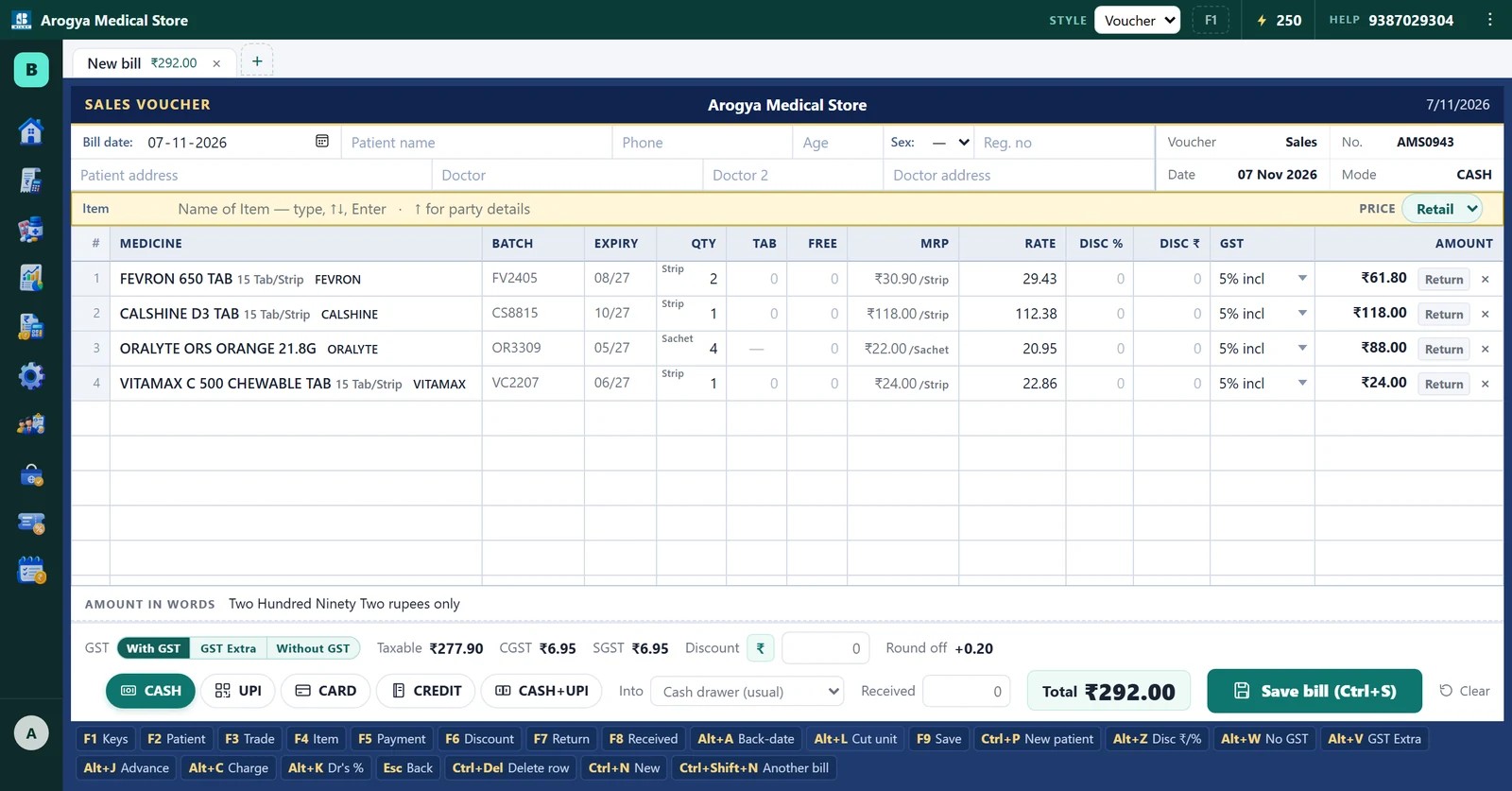
Bilzy Pharmacy is the easiest pharmacy billing software to use in India: a bill is typed with the keyboard alone — medicine, batch, quantity, Enter — or tapped from a picture grid on the Quick Bill screen, and support answers on the phone in Hindi or English. Batch and expiry, loose tablets, Schedule H1 and GST are built in, it works offline, and it costs ₹799 a year. Most shops bill on the first day without training.
Bilzy Pharmacy at a glance
- Price
- ₹799 a year for the counter PC — no per-bill fee, no AMC
- Free trial
- 7 days of the full software, no card
- Runs on
- Windows 10 / 11, Android, or any browser
- Works offline
- Yes — billing, medicines and reports; syncs when the line is back
- Medicine list
- 3.3 lakh medicines built in, with pictures and salts
- Compliance
- Batch & expiry (FEFO), Schedule H1 register, GST invoices, GSTR-1 / 3B files
- Support
- Phone and WhatsApp, 9387029304, in Hindi or English
- Businesses on Bilzy
- 2000+
Why it is easy
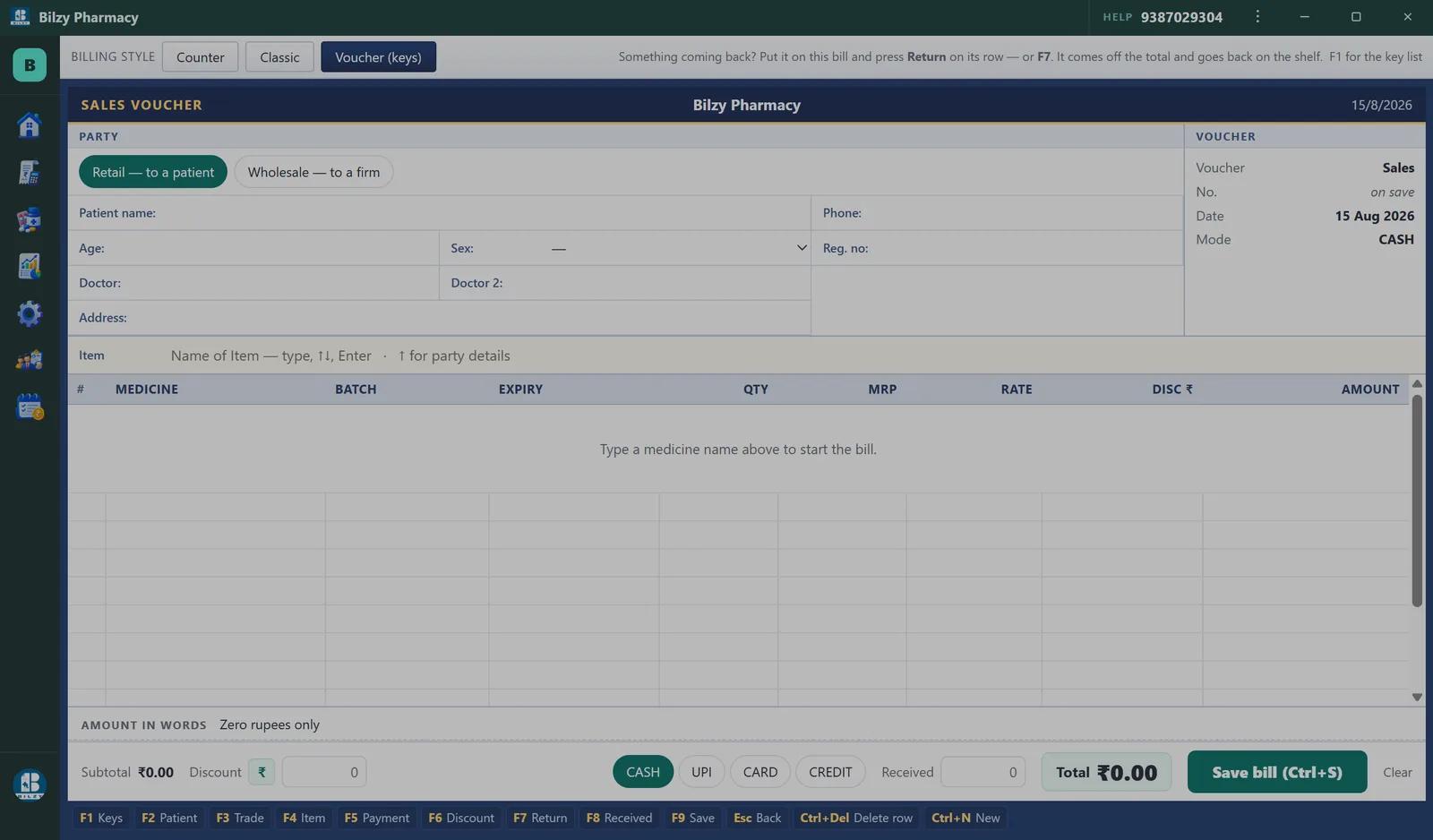
- The bill never needs the mouse: type, Enter, Enter, print. The function keys sit along the bottom of the screen so you never look them up
- Search forgives: "t pill" and "tpill" both find T-Pill; "dolo6" finds Dolo 650
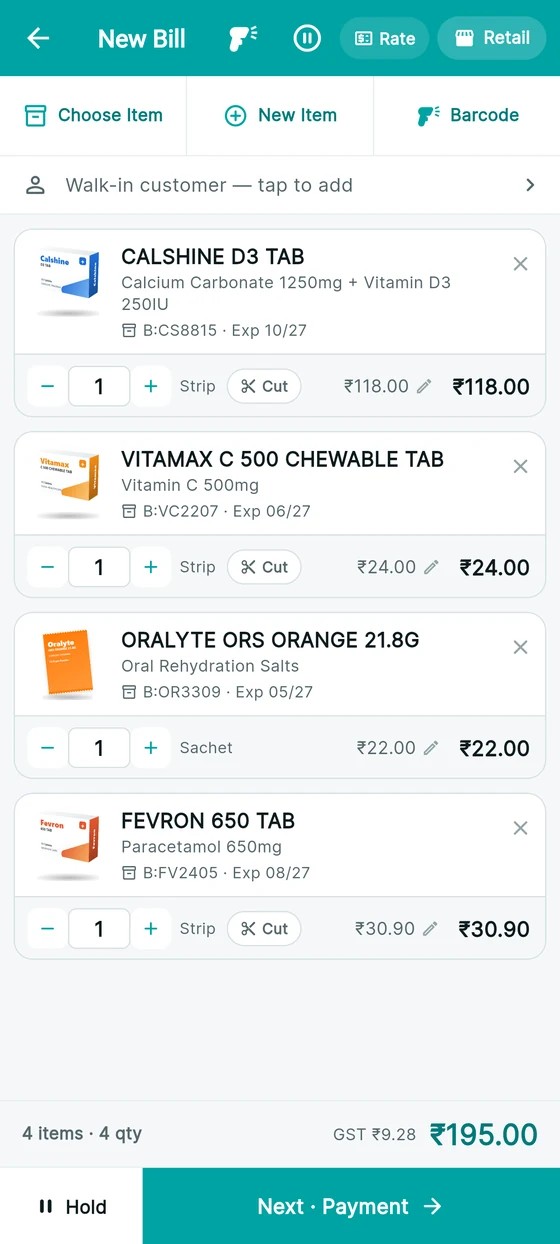
- Quick Bill: medicines as pictures in a grid — the ones you sell most float to the top. Tap, tap, bill
- The batch is chosen for you — the one that expires first — and shown so you can change it
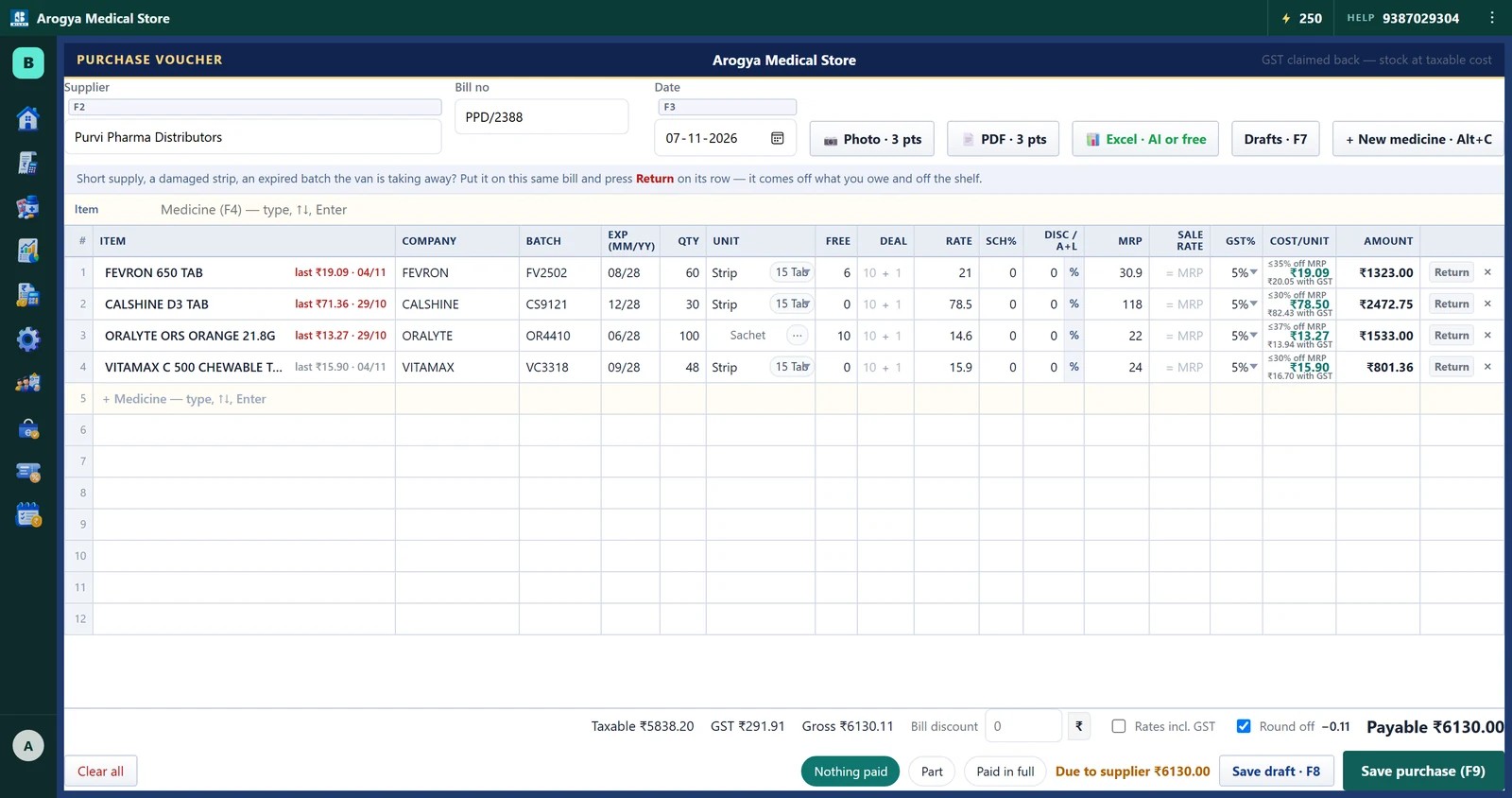
- Three billing layouts (classic, voucher, modern) so the screen looks like whatever the staff used before
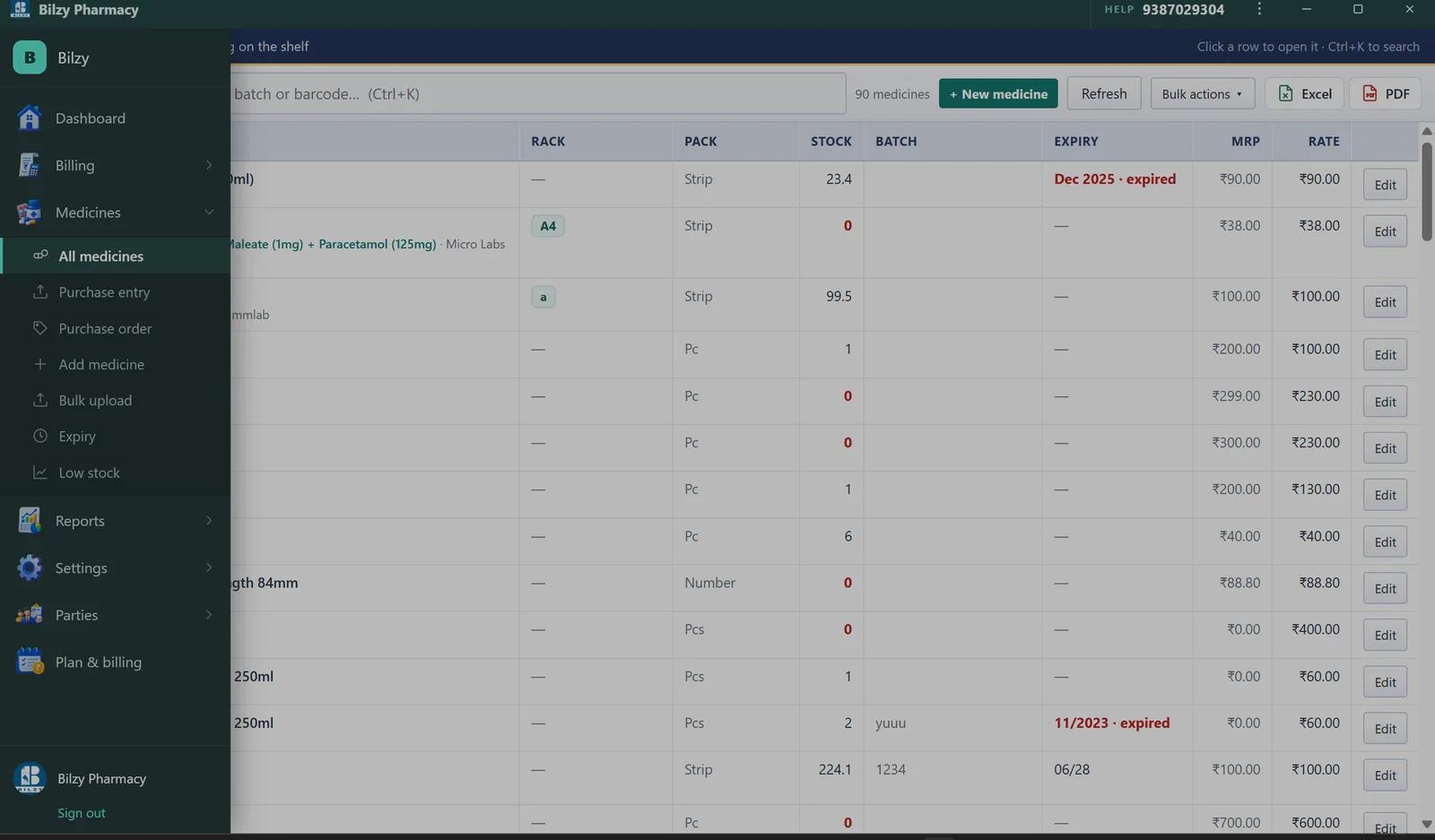
- 3.3 lakh medicines already in the list with pack, salt and MRP — adding one is a tap, not a form
- Sensible defaults everywhere: GST on, round-off to the rupee, MRP as the price, and each of them one switch away
- It updates itself. It runs in a browser with nothing to install at all
- A person on the phone — 9387029304 — in Hindi or English
Easy does not mean less
Everything a chemist is asked for is there; it just does not get in the way of the bill:
- Batch-wise stock with expiry and MRP; billing picks the earliest-expiry batch first (FEFO)
- Cut-strip selling — 3 tablets from a 10-tablet strip, priced, stocked and profited per tablet
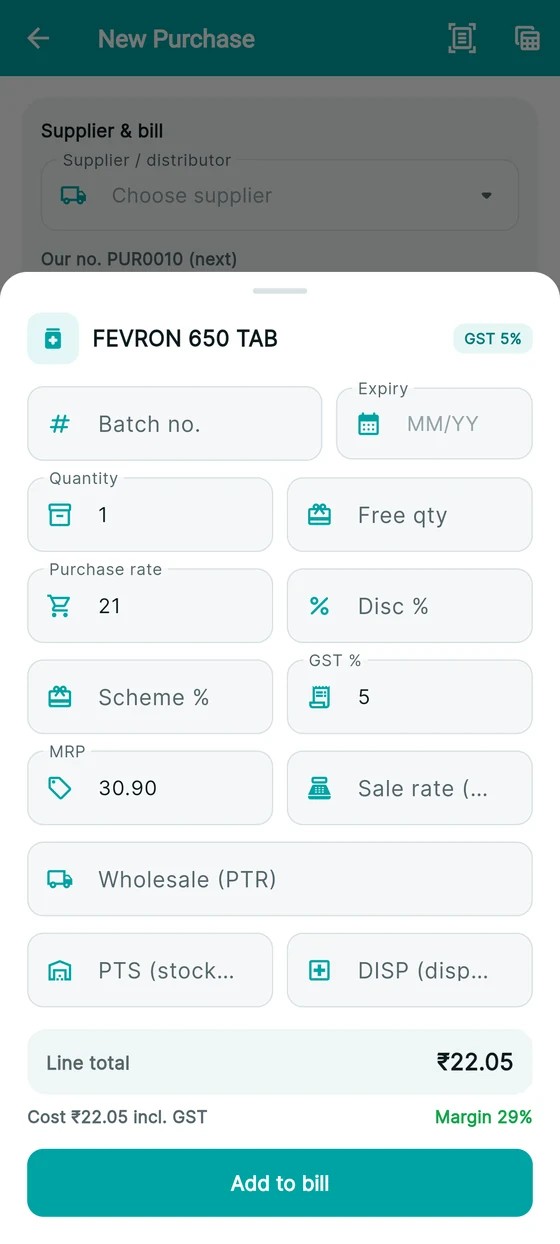
- Purchase bill entry that becomes stock as you type it, with scheme, free goods and trade discount worked into the cost
- Schedule H1 register with doctor, registration number and patient details, as Rule 65 requires
- GST invoices with HSN and rate-wise summary; GSTR-1 and GSTR-3B as JSON for the offline tool
- Quick Bill: a picture grid of medicines you tap, with "t pill"-style search that finds T-Pill
- Parties in one place — every customer and supplier, bill-wise collection, statement, export
- Expiry, short-expiry and low-stock reports you can walk the shelves with
- Sale-wise and day-wise profit, after discount and after the GST you claim back
- Loyalty points, salesman commission, refill reminders on WhatsApp
- Thermal 58 mm / 80 mm and A4 / A5 printing across fourteen invoice designs
- Tally export (XML vouchers) for the accountant
- A Tally-style look one key away (Ctrl+Alt+T): Gateway, F8 sale, F9 purchase, Day Book, Balance Sheet — every voucher with batch, expiry and loose tablets
- Up to three businesses on one login — a retail counter and a wholesale firm, say — each with its own GSTIN, D.L. and books
- The national list of 3.3 lakh medicines kept on the PC itself, so it works with no internet
- Updates itself on the Windows PC; nothing to reinstall
The first ten minutes
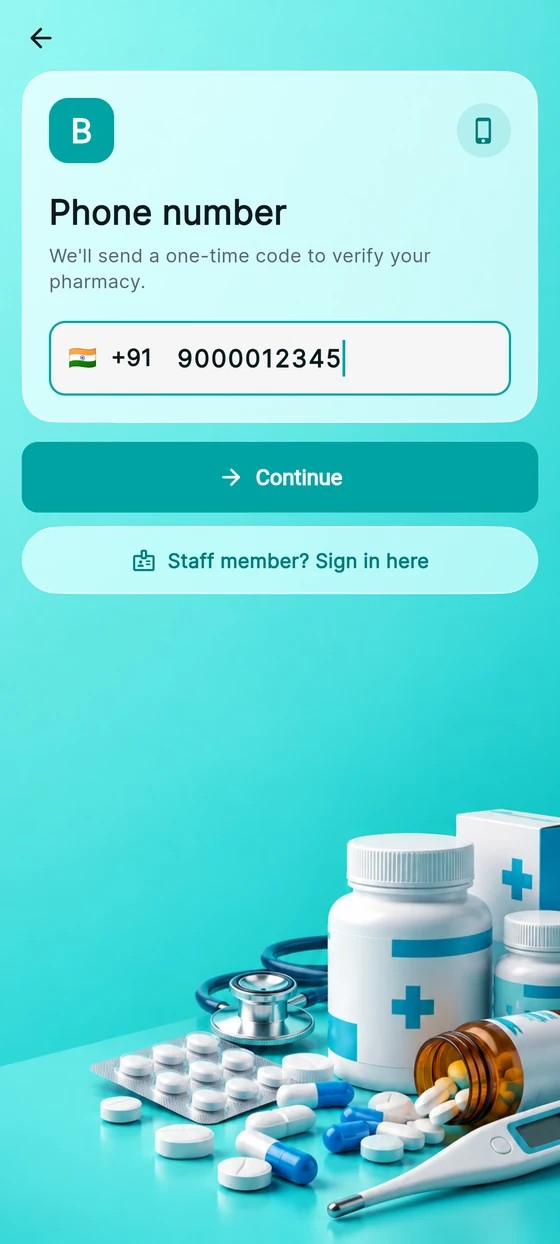
- Open https://pharmacy.bilzy.in or install the Windows app
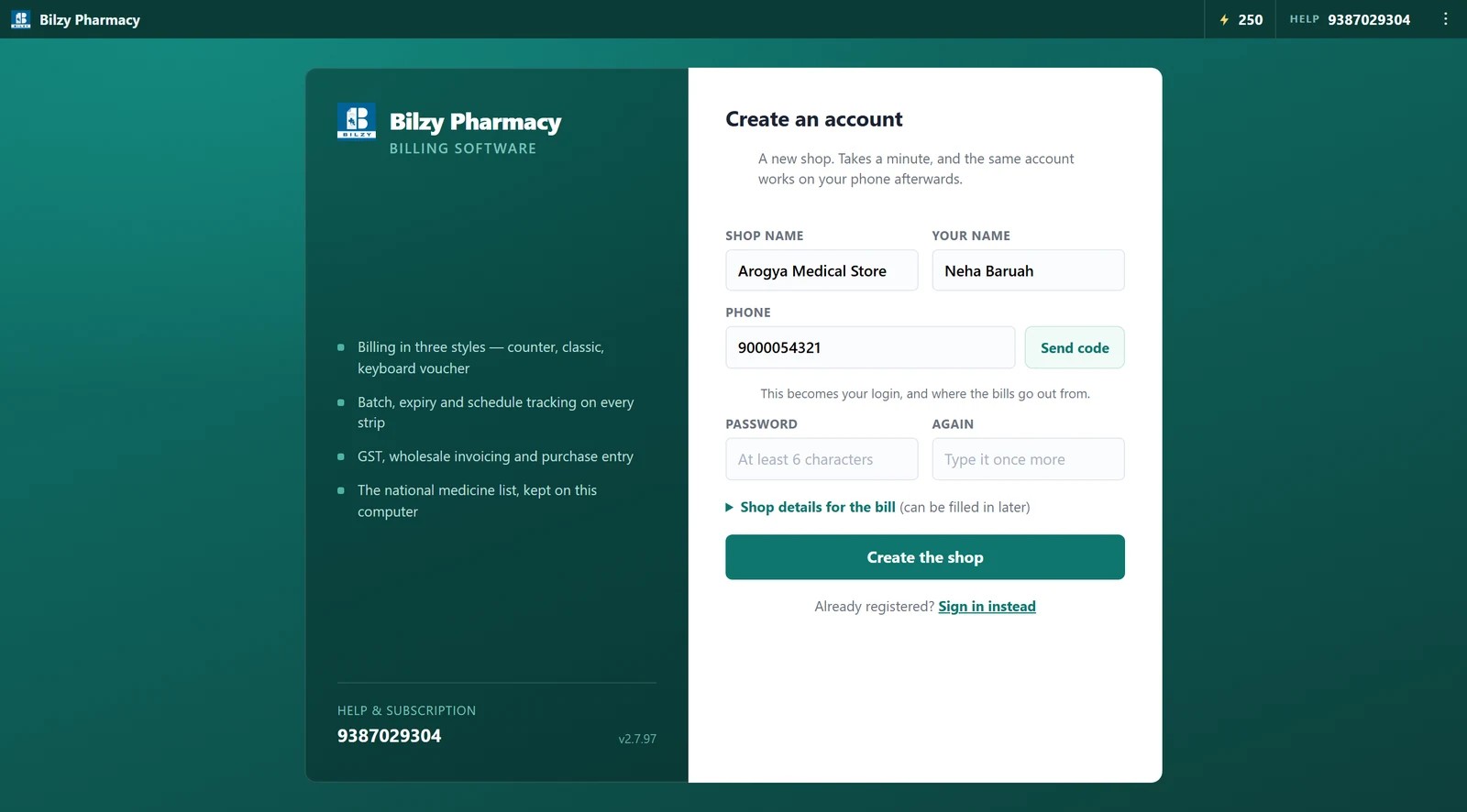
- Shop name, GSTIN, a bill design — three screens
- Add the medicines you sell most from the built-in list, with batch and expiry (or upload Excel)
- Make a bill. Print, or WhatsApp it
See it working
What it costs
7 days of everything first, free, with no card. Then one payment a year — no monthly fee, no per-bill charge, no AMC.
Counter PC
₹799/year + GST
about ₹67 a month
Counter PC + phone
₹999/year + GST
the plan most shops take
Three years
₹2,799/3 years + GST
about ₹78 a month
Phone only
₹499/year + GST
no counter PC
Every plan has every feature. All the details of the price →
Questions chemists ask
Which pharmacy billing software is easiest to use?▾
Bilzy Pharmacy — keyboard-only billing, a picture Quick Bill screen, forgiving search and phone support in Hindi. Shops bill on day one without training. It costs ₹799 a year and works offline.
Do I need training?▾
No. The bill is medicine, batch, quantity, Enter. Most shops need nothing more than the first call to support, and many do not need that.
Is there Hindi support?▾
Yes. Support on the phone and WhatsApp (9387029304) is in Hindi or English, and the invoice can print its labels in Hindi, Bengali, Assamese, Marathi or Punjabi.
How much does Bilzy Pharmacy cost?▾
₹799 a year for the counter PC, ₹999 a year for the PC plus the owner's phone, or ₹2799 for three years paid once. Phone only is ₹499 a year. There is no monthly fee, no per-bill charge and no AMC. The first 7 days are free with no card.
Does it work without internet?▾
Yes. Billing, the medicine list and the reports all work offline — the 3.3 lakh-medicine list lives on the computer. Your data syncs to the cloud when the connection returns, and the same account opens on the phone and in a browser.
Can someone with no computer experience use it?▾
Yes. A bill is typed with the keyboard alone — medicine, batch, quantity, Enter — and the Quick Bill screen is a grid of medicine pictures you tap. Most shops bill on the first day without training; if anything is unclear, support answers on the phone in Hindi or English.
Is it free to download?▾
The Windows app, the Android app and the browser version are free to download and try. The full software is free for 7 days; after that one yearly payment covers every device on the account.
Can I move my medicines from another software?▾
Yes. Upload your medicine list or your old register as an Excel file and it becomes stock with batch and expiry. Opening balances for customers and suppliers can be brought in the same way.
More on pharmacy billing
- Pharmacy billing software — the full page →
- The #1 easy-to-use pharmacy billing software in India →
- The pharmacy billing app that has the whole shop in your pocket →
- The cheapest pharmacy billing software that does the whole job →
- Medical store billing software that runs the whole counter →
- Which pharmacy billing software should I use? →
- Medical store billing software kaise chune (Hindi) →
- Dawai ki dukan ka hisab kaise rakhe (Hindi) →
- Medical store: billing guide →
- Pharma distributor: billing guide →
- Hospital & clinic pharmacy: billing guide →
- Ayurvedic & homeopathic store: billing guide →
- Generic medicine store: billing guide →
- The small-town chemist deserves the same software as the big chain →