 Bilzy for Retail & Wholesale
Retail & wholesale billing, for every shop.
GST bills, stock and khata, on your phone and your PC.
7 days free · then from ₹450 a year + GST
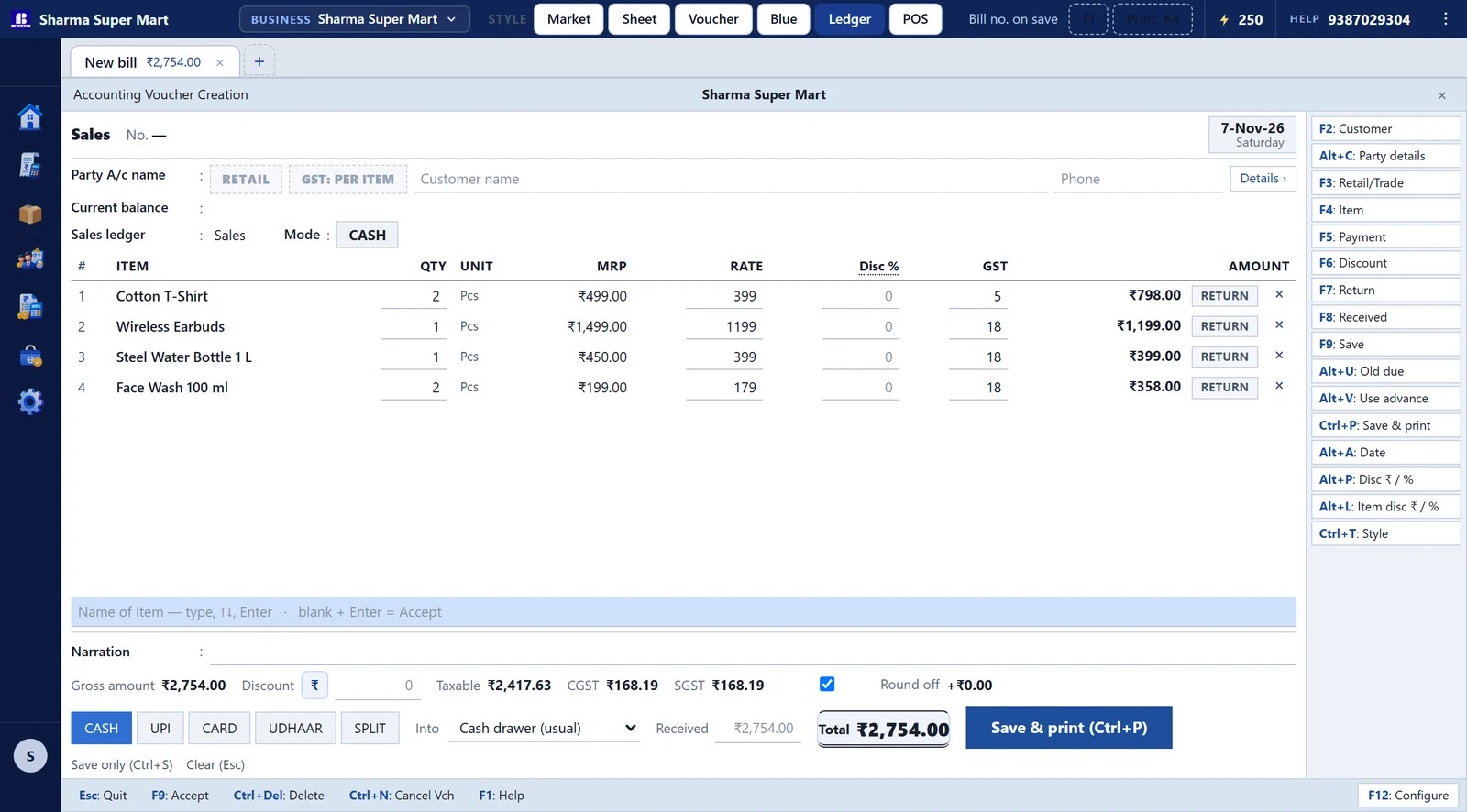
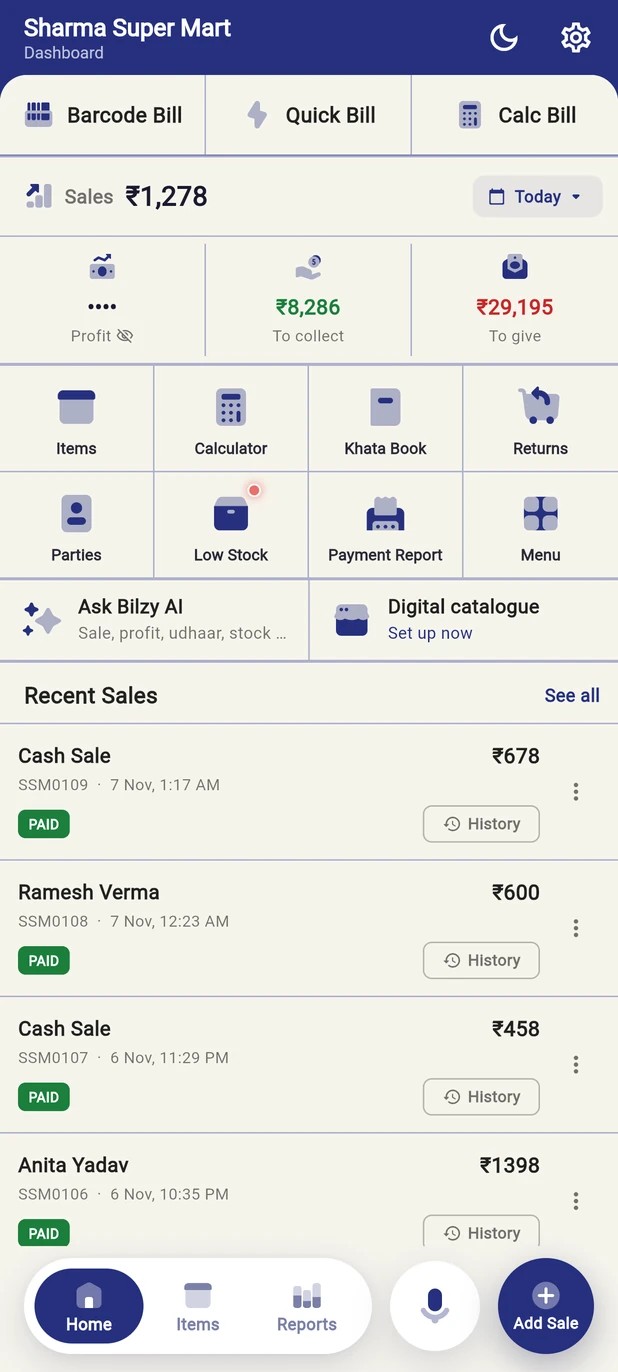
Everything at the counter.
GST bills
Retail and trade rates
Stock
Barcodes, sizes, low-stock alerts
Khata
Who owes what, and reminders
Purchase entry
Type the bill, or scan it
Reports
GSTR-1, GSTR-3B and profit
Works offline
Bills without internet
Online store
yourstore.bilzy.in
Tally look
Press Ctrl+Alt+T
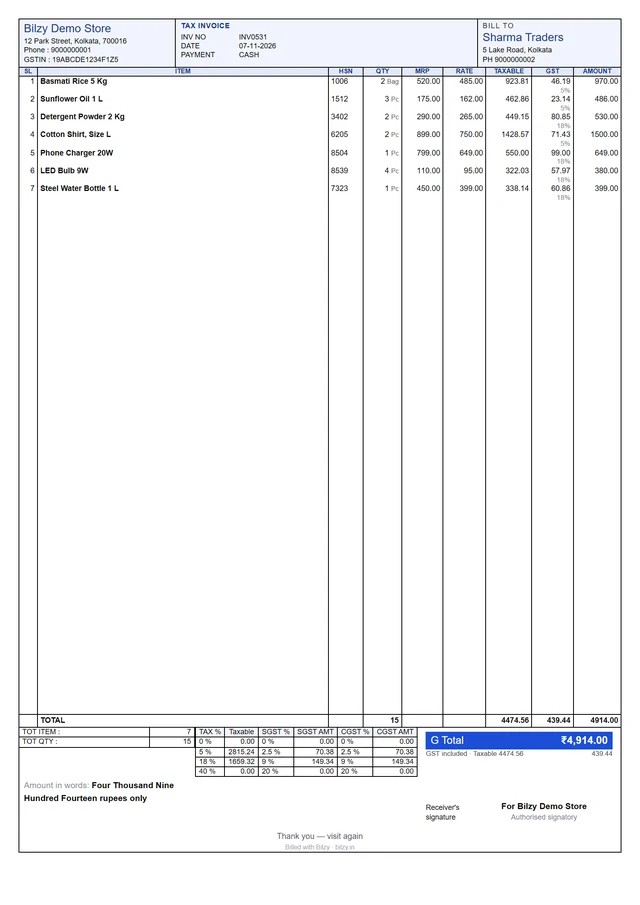
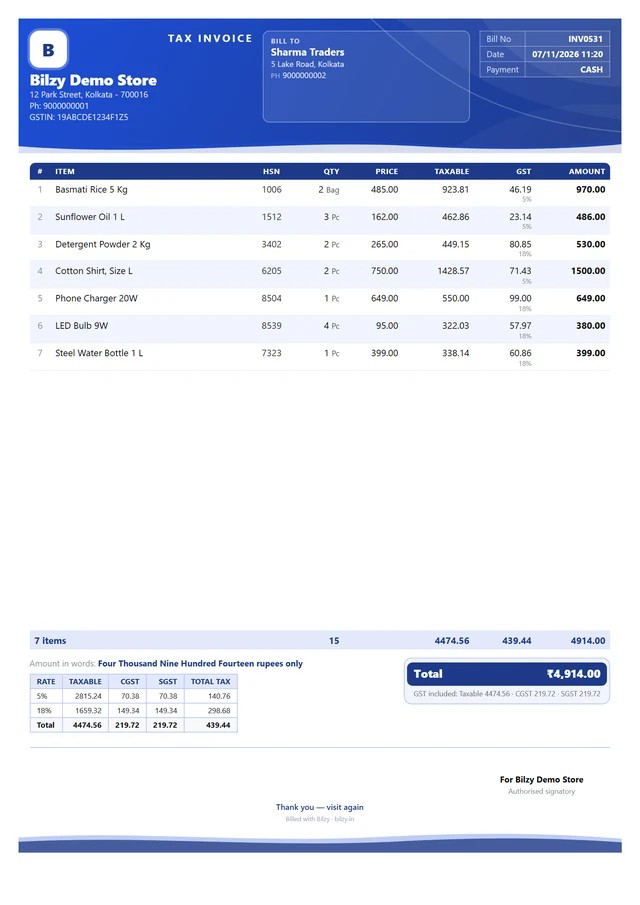
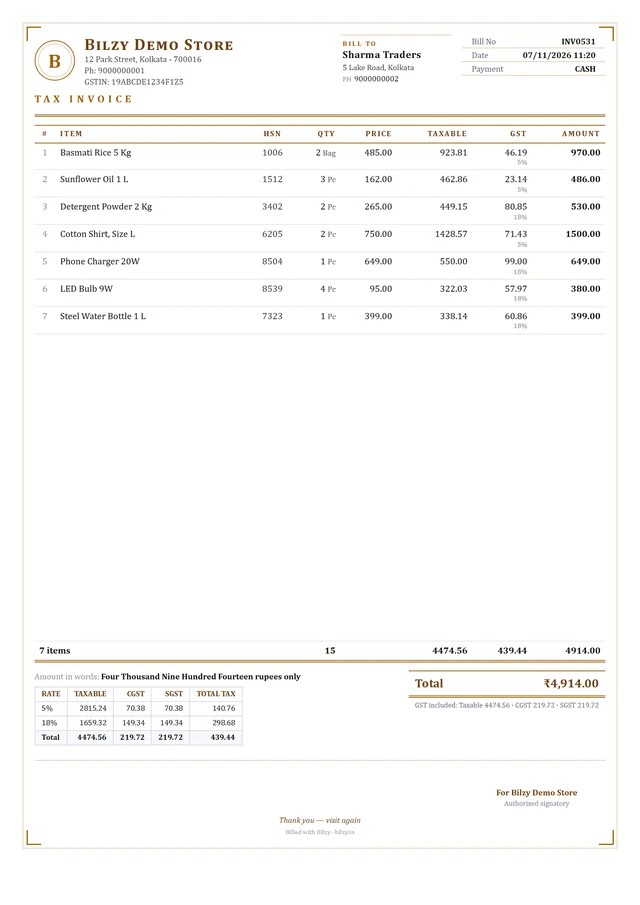
Invoices that look professional.
The same designs you get in the software.
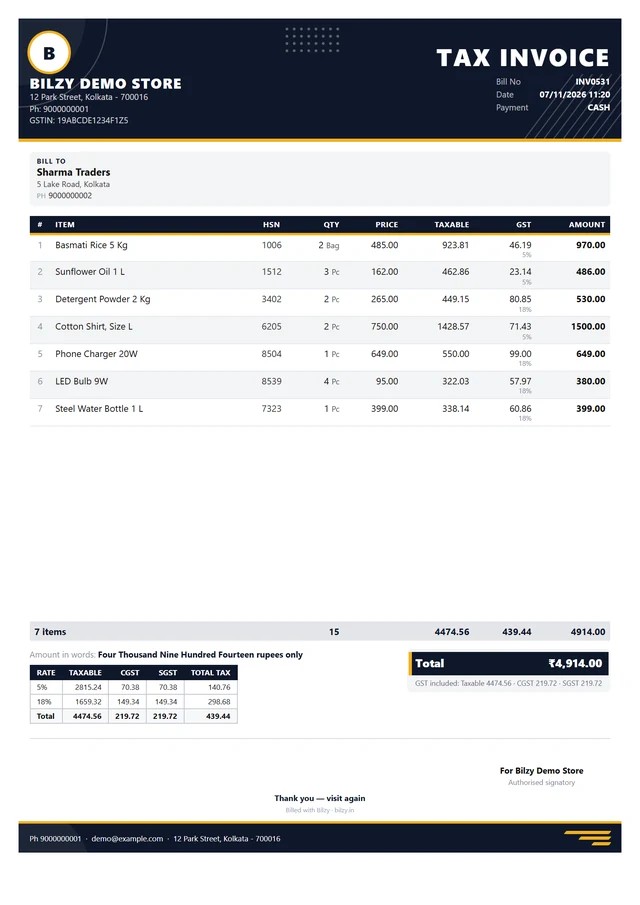
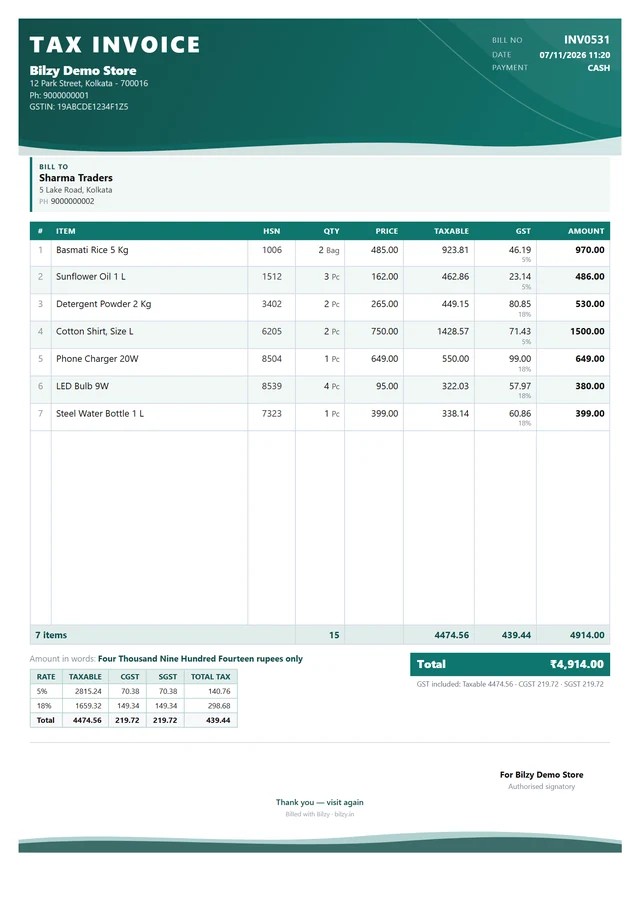
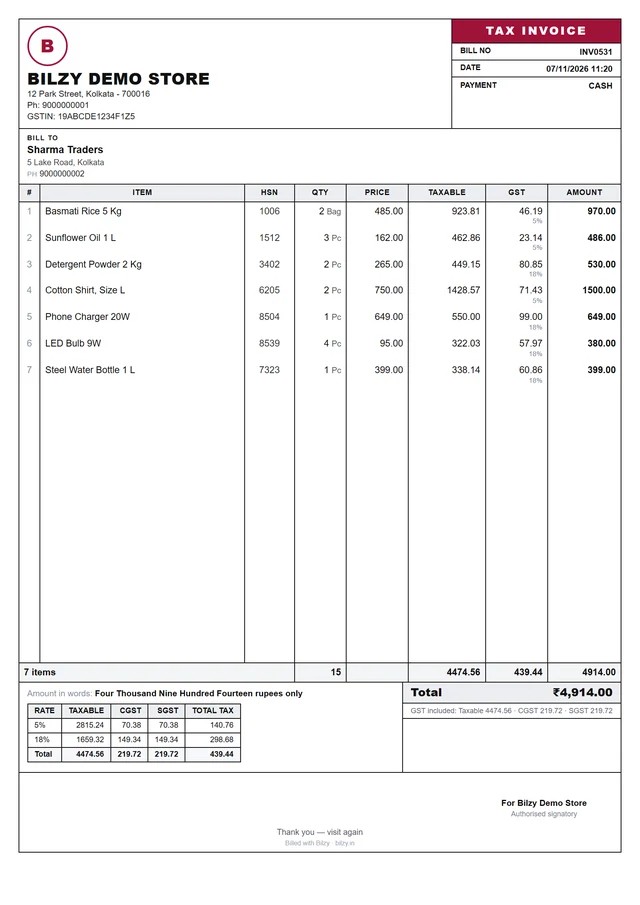
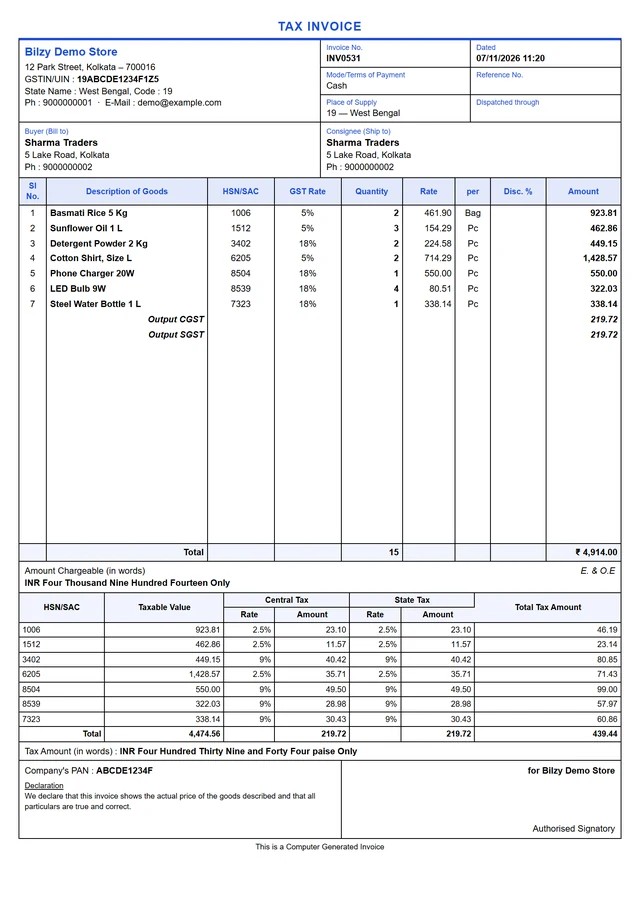
Simple pricing.
7-day free trial of everything, on the phone and Windows. No card.
Free
To try it out
- 2 items, 10 bills a month
- Basic reports
- Unlimited staff
- No card needed
Phone app
Android, for billing on the move
or ₹59 a month
- Unlimited items and bills
- Unlimited staff, no extra cost
- Phone and web stay in sync
- Advanced reports, Excel and PDF export
- Cloud backup
Windows desktop
The counter PC
or ₹99 a month
- Keyboard-fast billing, Tally-style look
- Any number of PCs, no per-PC licence
- Bills even when the internet is down
- Thermal and A4 printing, barcode
- Unlimited items, bills and staff
Phone + Windows
Both, one account
₹150 less than the two apart
- Everything in Windows desktop
- The phone app on the same account
- Unlimited bills on both
- Every invoice design
- Priority support
Bought inside the Windows app
Prices are before GST. 18% GST is added when you pay, on a GST invoice.
Start in 3 steps.
Your account, your stock, your first bill.
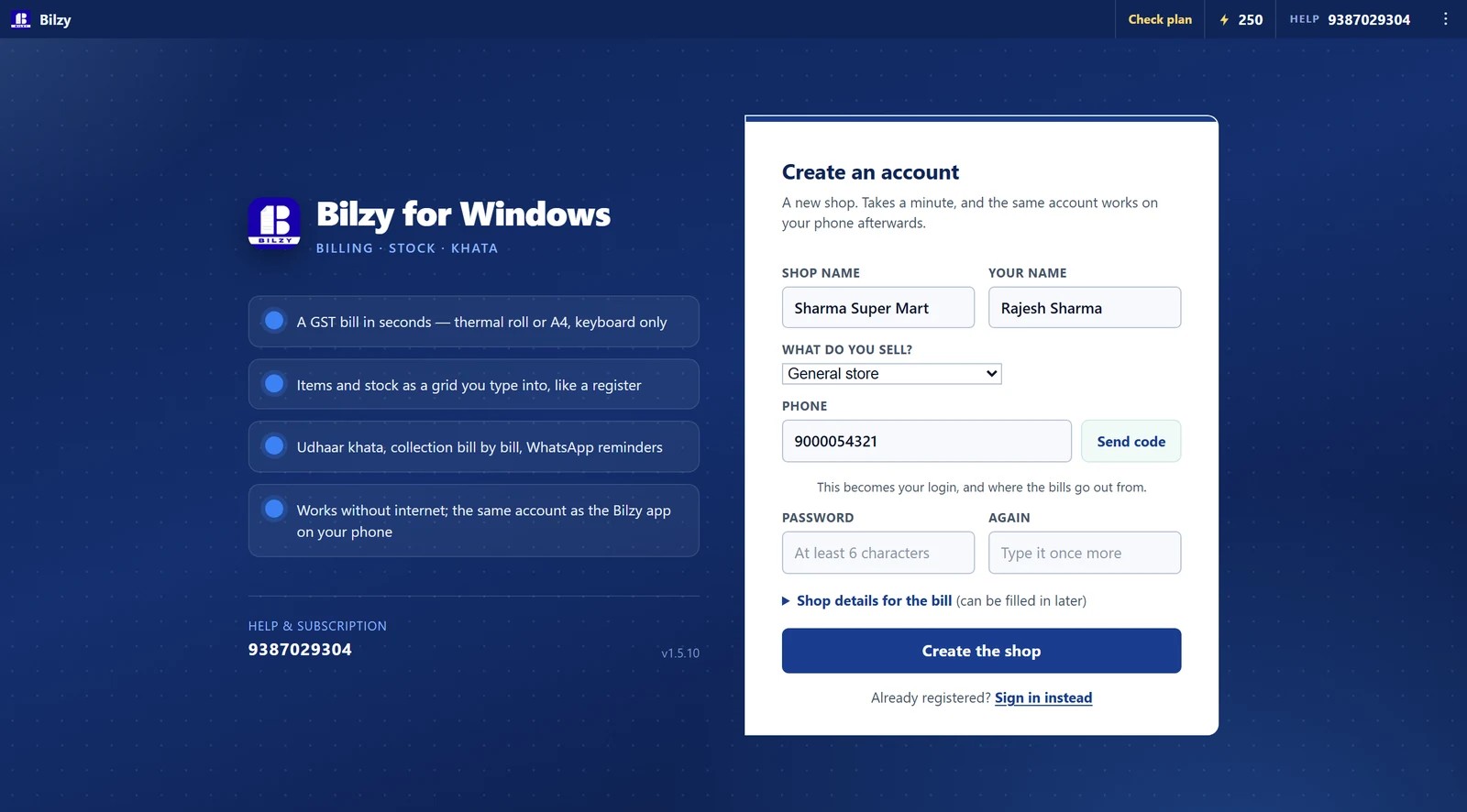
Create your account
Your first 7 days are free. No card.
- Install Bilzy on your phone or your PC.
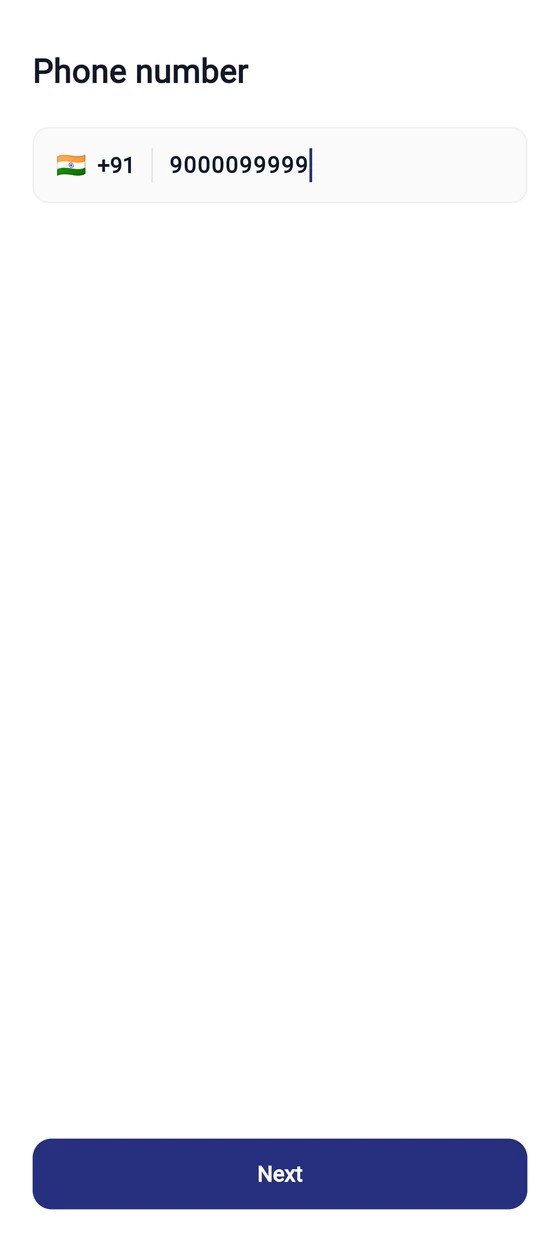
- Enter your mobile number and the code we send.
- Add your shop name and a password.
- On Windows
- New shop? Create an account
- On the phone
- Get Started
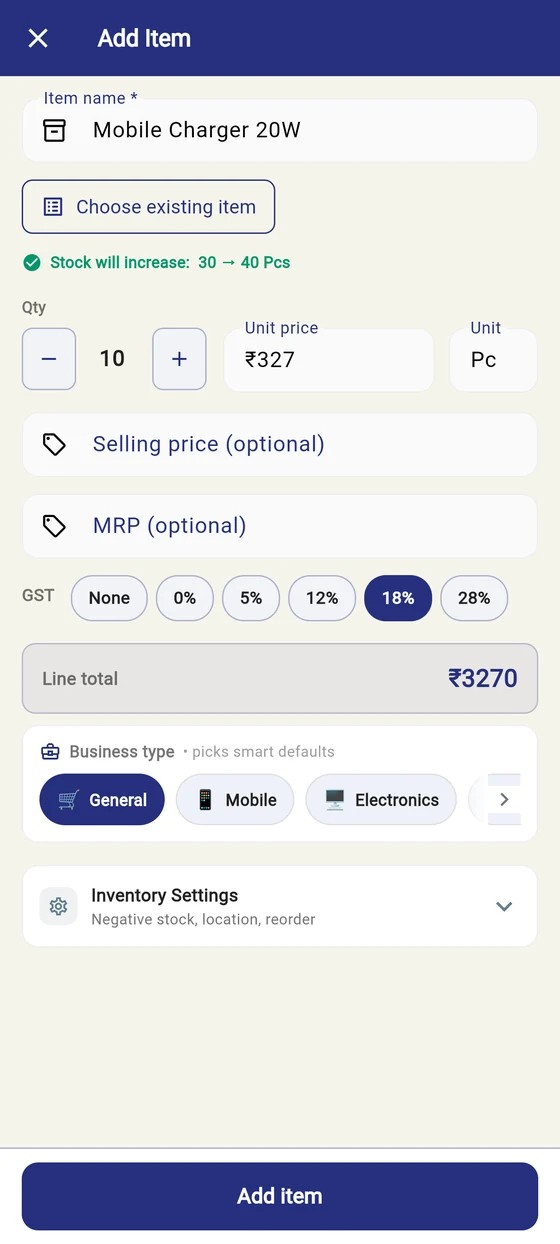
Enter your stock
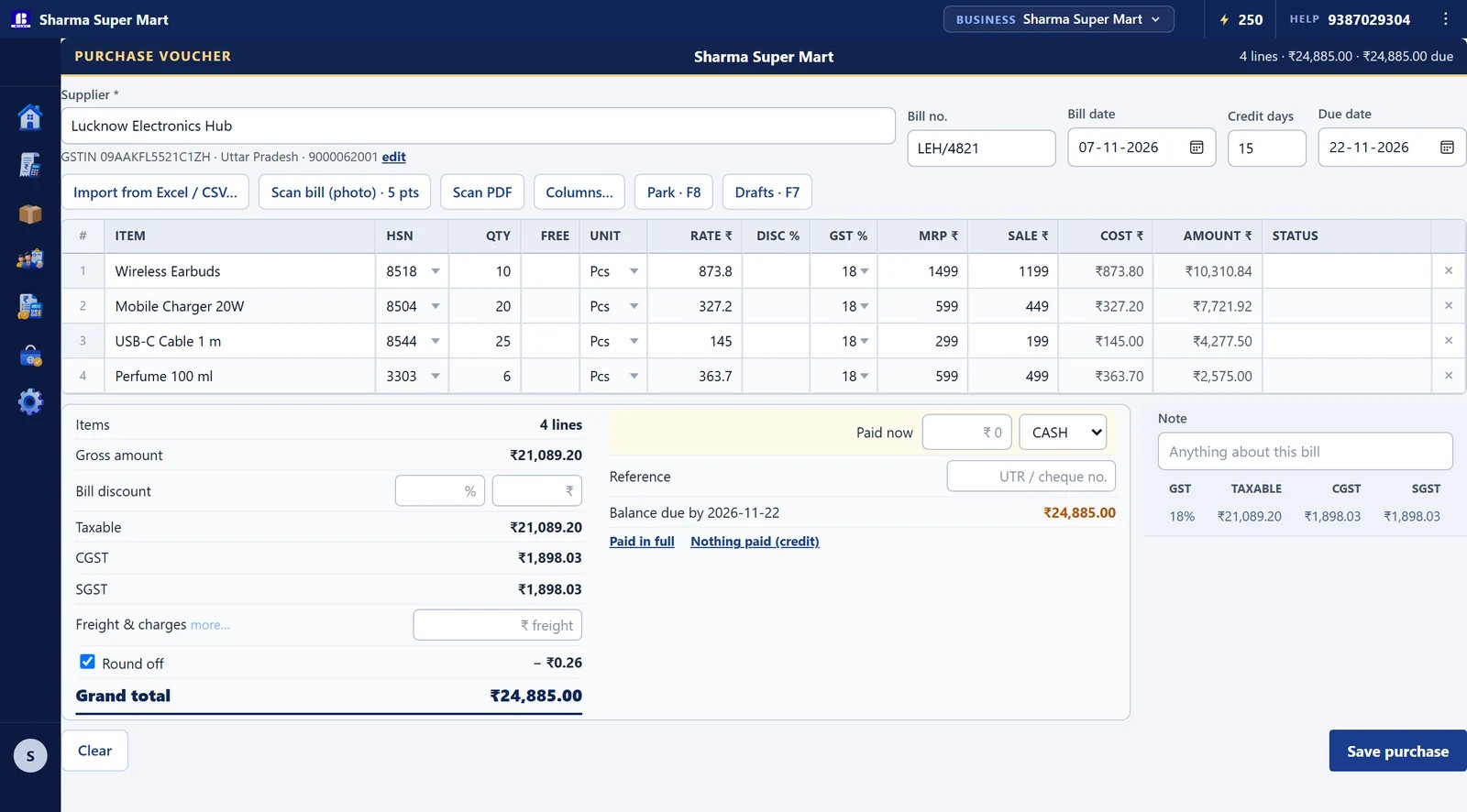
Type in your supplier’s bill. The stock goes up by itself.
- Open Purchase entry.
- Pick the supplier, then add each item with its quantity and rate.
- Press Save purchase. Or scan a photo of the bill instead.
- On Windows
- Alt+E
- On the phone
- Menu → Purchases → New Purchase
Make your first bill
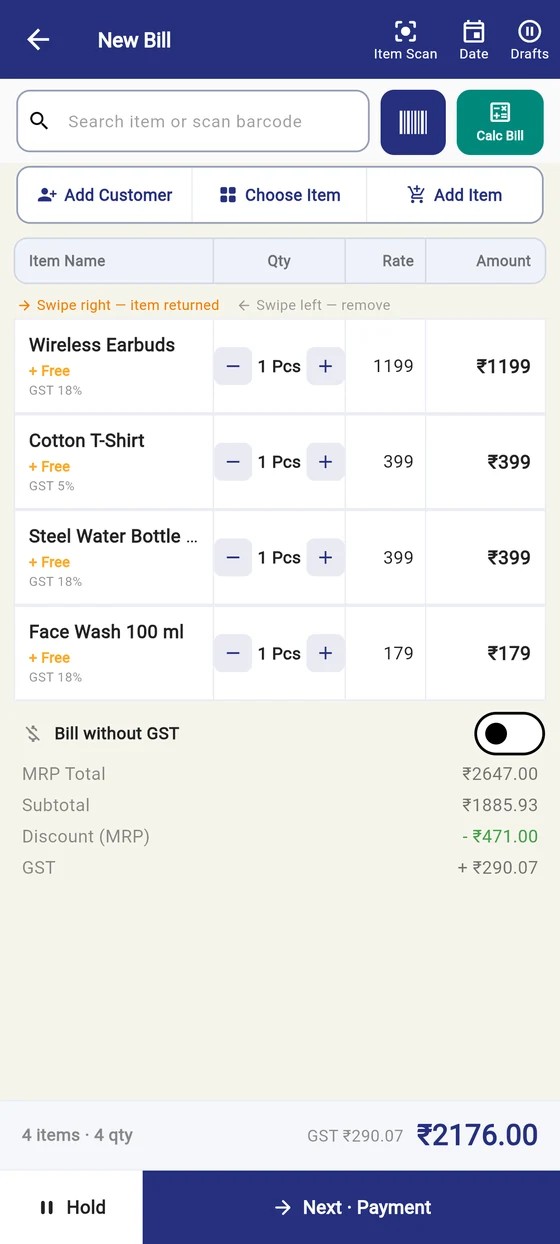
Find the item, set the quantity, take the money.
- Open New bill.
- Type the item name or scan its barcode, then press Enter.
- Choose Cash, UPI or Udhaar, then save and print.
- On Windows
- Alt+B · F4 item · Ctrl+P save & print
- On the phone
- Add Sale → Next · Payment

Get Bilzy for Retail & Wholesale
7 days free · then from ₹450 a year + GST